

AI creative tools are easy to adopt, but scaling creative production often exposes gaps in brand consistency, execution and workflow management. This guide breaks down the five core tool categories, explains when a DIY stack makes sense and when it's worth consolidating into a unified platform. It also explores how AI-first platforms like Superspace and Brand Brain help close those gaps.
Most enterprise creative leaders are running some version of the same internal debate right now.
Could the team just wire together its own AI stack?
Claude or ChatGPT for briefing. Midjourney or Adobe Firefly for image generation. Notion or Asana for project management. Frontify or Bynder for brand management. Figma for design.
Pull in a few specialized tools where the team needs them and skip the all-in-one creative platform entirely.
It’s a fair question, and the tools are genuinely strong. The trap is settling it on price. Focusing on which AI tool is best for a single task can quietly distract from the bigger decision, which is an operating-model decision. This piece compares approaches, not products. A DIY stack of best-of-breed point tools and an all-in-one creative platform are solving different problems at different scales.
For solo marketers and small teams, the DIY stack often wins. For enterprise creative operations at volume, the math changes. The stack runs into three structural ceilings no individual tool can fix on its own. No brand memory that persists and deepens automatically. No execution layer that connects the brief to the finished asset. No learning loop that compounds across projects.
To pressure-test that argument, this article draws on input from Monica Romaniuc, Senior Product Marketing Manager at Superside, who works closely with enterprise teams making exactly this call. We map the five categories of AI creative tools teams actually use, take each one seriously, name where the DIY stack genuinely earns its place and show where an integrated platform like Superspace by Superside, with Brand Brain at its core, changes the math.
What the term AI creative tools actually means in 2026
In 2026, the phrase AI creative tools is doing a lot of work.
It refers to a fast-growing ecosystem of specialized point solutions an enterprise team can assemble itself. The shape of that stack is now consistent across most teams that have built one, even when the specific picks vary. Five categories show up almost everywhere.
- AI thinking and briefing tools. General-purpose models used for briefing, copywriting, ideation, creative strategy and document drafting.
- AI image and asset generation tools. Models and platforms that produce net-new visuals, copy variants, motion and video on demand.
- AI-enabled project management tools. Workspaces and work-tracking platforms that have layered AI on top of standard PM features.
- Brand management and DAM platforms. Systems that house brand guidelines, approved assets and AI-assisted brand controls.
- Design and production tools. The canvas where assets get built, increasingly with AI features embedded.
Most enterprise teams running their own stack pull from at least four of these five categories, often all five. The appeal is straightforward.
Each tool is genuinely strong at what it does, the team already uses most of them and adding AI feels less like a procurement project than an upgrade to what is already there. The catch is that as more tools join the stack, brand context, creative decisions and feedback scatter across systems.
The hidden AI features inside the tools teams already run make this even easier to do without noticing.
The five categories of AI creative tools enterprise teams use
Here is a balanced look at the tools that show up most often in enterprise AI creative stacks. Each has real strengths.
Each fits some teams better than others. Before the breakdown, it is worth naming which category enterprise teams most often overestimate.
Tools like Claude and ChatGPT are incredibly powerful, and that's exactly why they're easy to overestimate. Teams see how quickly they can generate ideas, summarize information, or build a creative brief and assume they've solved the creative operations problem. In reality, they've solved a small but very visible part of it.

1. AI thinking and briefing tools

This is the layer where a creative team turns rough ideas into structured documents. Briefs, concepts, copy, strategy notes. Five tools dominate the category at enterprise scale.
- ChatGPT. OpenAI's broadest-use assistant. Strong at general-purpose writing, ideation, summarization and turning a rough request into a structured brief. ChatGPT Enterprise adds privacy, longer context and admin controls.
- Claude. Anthropic's model is the one many creative directors reach for on long-form thinking, briefing assistance, copywriting and nuanced writing. Claude Projects can hold instructions, files and references that persist across a single project.
- Gemini. Google's assistant, built to work across Docs, Sheets, Slides and Gmail. The natural pick for teams already living inside Google Workspace.
- Microsoft Copilot. Embedded across Word, PowerPoint, Excel, Outlook and Teams. The strength is the integration. The constraint is that the experience varies by surface.
- Notion AI. AI-powered drafting and knowledge management inside the Notion workspace many teams already run on, bringing the assistant to the documentation rather than the other way around.
Best for: Ideation, briefing, copywriting and faster creative thinking. The tools genuinely improve the speed and quality of structured creative thought.
Limitation: None of these tools hold automatic, persistent brand memory that updates after every project, revision and approved asset. Custom instructions and prompt libraries can carry context for a session, but someone has to write and maintain it. After every feedback round, that learning has to be translated back into the prompt by hand, and most teams do not staff that job, so the brand context inside the AI goes stale.
This is also where the most common evaluation conversation starts, when a creative director says the team is already using Claude for briefing. It is the right instinct, and Monica's response meets it head on rather than dismissing the tool.
Claude is incredibly useful for thinking, brainstorming, and even building a first draft of a brief. The question I usually ask next is what happens when you have 10, 20, or 50 people doing that across the organization. Where does the brand context live?
2. AI image and asset generation tools

This category produces net-new visuals, copy variants, motion and video. The leading tools differ on output quality, brand-safety and integration depth.
- Adobe Firefly. The commercially safe option built on Adobe Stock and licensed content, integrated across Photoshop, Illustrator, Premiere and the wider Creative Cloud suite.
- Midjourney. One of the strongest tools for visual ideation, conceptual art and stylized imagery. Best as an ideation layer rather than a production pipeline.
- DALL-E. OpenAI's image model, integrated directly into ChatGPT, which makes it the most accessible generator for teams already on ChatGPT.
- Canva Magic Studio. AI image, text and video assistance inside Canva. The strongest pick for distributed brand enablement at scale, with Canva Shield adding enterprise privacy and indemnification.
- Runway. A leading AI video generation and editing platform, alongside contenders like OpenAI's Sora and Google's Veo. For teams pushing into AI video, this layer is now production-credible.
Best for: Concept exploration, internal communications, distributed brand enablement, performance creative variants and production-grade work for teams with strong AI specialists on staff.
Limitation: Generic AI image and video tools are not trained on your brand's specific visual history, approved assets or performance signals, so output is on-brand by accident at best. Even brand-aware features inside these tools are static templating layers, not learning systems. The team still has to apply brand context at every generation.
3. AI-enabled project management tools

This is the layer where work gets organized, tracked, owned and routed for review. Most major workspace and PM platforms now have AI features. Four lead the category.
- Notion. The most flexible workspace in the category. Pages, databases, projects and AI in one product, scaling from a personal page to a department-wide system without changing tools.
- Asana. Built around work management at scale, with AI features focused on summarization, status reporting and surfacing risks across a project portfolio.
- Monday.com. A work operating system with strong customization and visual boards. Monday AI handles automation, summarization and content generation inside the platform.
- ClickUp. An all-in-one work platform with deep customization, aggressive pricing and a broad feature set. The trade-off is complexity, which can be a tax on smaller teams.
Best for: Workflow management, task tracking, project visibility and team coordination. The category is mature and most teams are already using one.
Limitation: These platforms manage tasks, not creative knowledge. They do not capture brand memory in a form AI can apply automatically. The brief still gets written somewhere else and the brand context still lives in another system. Even as some, like Notion, add integrated LLMs, the AI features remain workspace features, not brand-aware creative ones.
4. Brand management and DAM platforms

This category houses brand guidelines, approved assets, brand portals and increasingly AI-assisted brand controls. Three names dominate enterprise evaluations.
- Frontify. A brand-first approach to digital asset management, with portals, guidelines and asset libraries in one product. Used by Uber and Microsoft, with AI features like auto-tagging and AI-assisted search.
- Bynder. A market-leading DAM with strong AI and automation, including natural language search, text-in-image search and face recognition.
- Jasper. A brand-aware AI writing platform built for marketing teams that need brand consistency and workflow control across large volumes of copy.
Best for. Managing brand assets, governance, compliance and search across a large library. Essential for any organization operating at scale.
Limitation. Brand management platforms house your brand. They do not actively apply it inside the AI tools the rest of the team uses. The brand portal, the AI image generator and the AI briefing tool sit in three different products, and brand context flows between them only when humans copy and paste it.
5. Design and production tools

This is the canvas, the surface where designers, motion artists, copywriters and video producers do the work. AI features are increasingly embedded across the category.
- Figma. The standard for design files, design systems and collaborative editing, now more AI-native with smart layer organization, a design linter and MCP integration for AI agents.
- Adobe Creative Cloud. The professional design and production suite, with Firefly embedded across Photoshop, Illustrator, Premiere and After Effects. The strength is depth. The trade-off is administrative footprint at scale.
- Canva. The democratized end of the category, designed for non-designers as much as designers, with Canva for Enterprise and Canva Shield rounding it out for large organizations.
Best for: All design and production work. Every enterprise creative team uses at least one tool here, usually two or three.
Limitation: These tools handle execution, not the rest of the operating model. They do not write the brief, capture brand decisions across projects or surface what worked last quarter when a new variant gets briefed. The strategic context behind the work usually lives in separate systems, and connecting it back is the team's job to maintain.
What an all-in-one creative platform does differently

An all-in-one creative management platform consolidates capabilities across the same five categories into one connected system.
The integration is the difference. Briefing, project management, brand context, design execution, AI workflows, QA and delivery sit inside one operating model with one source of truth. The strongest platforms in 2026 share four characteristics.
- A connected workspace. Briefs, feedback, assets and budgets live together rather than across separate tools, which cuts context switching and operational overhead.
- A persistent brand memory layer. Brand decisions, feedback patterns, performance signals and team preferences are captured and applied across projects automatically, not re-pasted into a prompt every time.
- AI embedded across the workflow. AI shows up at briefing, generation, QA and optimization without forcing the team to switch tools or rebuild context.
- Execution inside the same system. The work itself, design, motion, video, copy and web, gets produced in the same environment, often by a managed creative team operating in the same brand context.
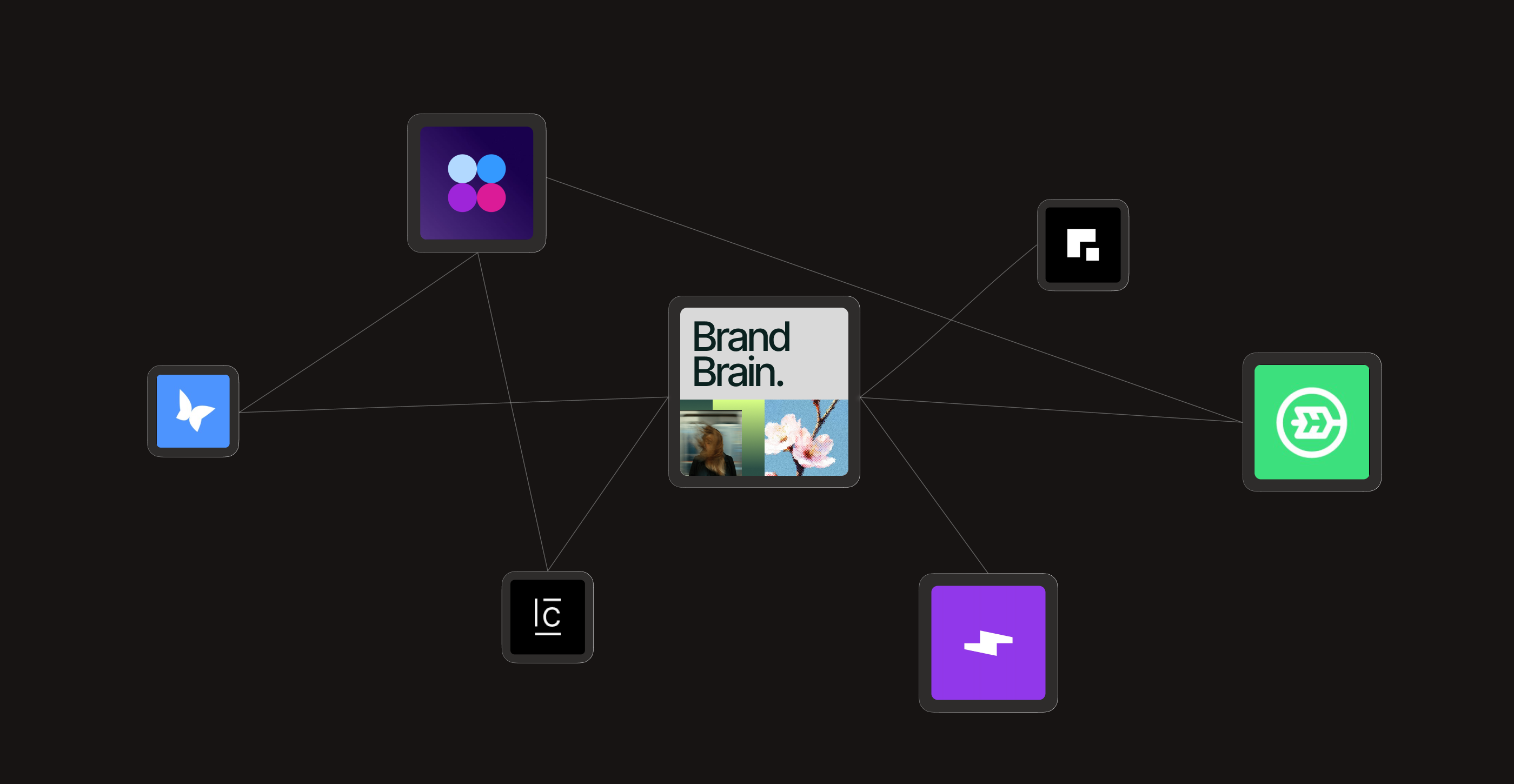
Superspace, the Superside creative management platform, is built around exactly these four characteristics, with Brand Brain as the AI-first creative memory at its core. Together they define how Superside customers brief, review and deliver work.
Where the DIY stack genuinely earns its place
A DIY stack is not a worse choice in every scenario. For several specific situations it is the right one, and naming them honestly is the prerequisite for any credible argument about where it falls short.
If you're a small team with a handful of stakeholders, a strong understanding of your brand, and someone who's willing to own and maintain the stack, a DIY approach can work really well. You can move quickly, experiment freely, and get a lot of value from general-purpose AI tools.
Solo marketers and small teams
If you run creative for a startup, a small in-house team or yourself, the DIY stack often wins. Tooling cost is low, volume is low enough that brand memory can live in a few people's heads and each tool is excellent at its job. The integration overhead stays small because the surface area of the operation is small.
Contained scope and stable brand systems
For teams running a contained channel mix, one or two channels and a stable brand identity that does not change quarterly, the DIY stack absorbs the volume cleanly.
Generic AI tools are sufficient because the brand context is small enough to fit in a system prompt. The failure modes that show up at enterprise scale, brand drift and context loss across hundreds of projects, do not surface yet.
Specialist teams with deep AI skills
Some teams have hired or trained AI specialists, written internal documentation, built custom prompts and wired their own integrations between tools.
The DIY stack works for them because they have effectively built a custom platform inside the tool layer. The cost is a real engineering investment most marketing organizations do not have, but where it exists, the stack performs.
Experimental and exploratory work
New AI capabilities tend to appear first in specialized tools. When the goal is to test a concept, prototype a campaign idea or run an early-stage exploration, the speed and flexibility of best-in-class point tools is genuinely useful.
Many teams take a hybrid path here, using specialized tools for exploration and an integrated platform to manage workflows, maintain consistency and deliver at scale.
If your situation matches one of these, the DIY stack may well be the right call. The honest caveat is that none of these scenarios are free. Even the strongest case for DIY comes with ongoing work attached, which is exactly where the analysis turns.
But there is real work involved. Someone has to evaluate the tools, maintain the prompts, keep the brand context up to date, and make sure knowledge doesn't get lost as the team and volume of work grows.
Where the DIY stack stops scaling for enterprise creative operations

As enterprises scale, the comparison between a creative management platform and a stack of AI tools gets real.
The challenge shifts from accessing AI capabilities to coordinating workflows, approvals and production across the organization. The DIY stack hits five structural limits, none fixable inside any single tool, all compounding across projects.
Brand memory does not persist or deepen automatically

Each tool in the stack has its own context, and none of them learn from the others. A model can hold instructions for a project, but they do not update themselves after each feedback round or approved asset. Notion can store decisions, but they do not flow into the next AI brief automatically.
Frontify and Bynder hold approved assets, but the approval logic does not show up at the moment of generation.
So brand consistency becomes a manual discipline rather than a structural property of the system. This is the hardest gap to see, especially for teams that love a tool like Claude Projects.
The difference only becomes obvious over time. A project can remember the information you give it, but it doesn't naturally get smarter from every review, campaign, and stakeholder interaction happening across the organization. That's where the gap really starts to show.
There is no execution layer connecting the brief to the work
A great brief produced by ChatGPT or Claude still has to be handed to designers, animators, copywriters and video producers. In the DIY stack, that handoff runs through Slack, email, file uploads and another platform, and brand context drops at every step.
The team executing the work inherits a structured brief without the brand intelligence it was supposed to carry, and each step rebuilds context the previous one assumed was preserved.
The integration tax is invisible and constant
Each tool carries a cost beyond its subscription. Time learning it, integrating it with the others, maintaining the prompts and templates that hold it together, training new hires on the stack and debugging the inevitable mismatches between tools.
This is the largest hidden cost of the DIY approach, and most teams pay it without ever measuring it. The risk is dismissing it as vendor noise, so it helps to hear how Monica frames it.
I think the mistake people make is assuming the cost of a DIY stack is just the software. In reality, the cost shows up in all the little handoffs between tools, teams, and workflows. None of it is dramatic on its own, but over time those small gaps create friction, inconsistencies, and extra work.
The team has to become AI specialists
Generic AI tools work best in the hands of trained users. Without them, output trends generic, brand drift creeps in and prompts get pasted across projects without thought.
Superside's Breakpoint report found that 32% of leaders flag lack of training and 31% flag workflow integration as top barriers to AI adoption, and both translate directly into DIY stack underperformance.
The wider market shows the same split. Industry research on the AI adoption gap points to a widening divide between teams that have operationalized AI and teams still experimenting, and McKinsey's work on agentic AI in marketing describes a paradox where AI activity rises but value does not, precisely because the work is not connected to a system.
Quality control happens late instead of structurally
Without a system that surfaces brand alignment automatically, quality control happens at the end.
Brand drift, off-brand variants, missed specs and stakeholder mismatches show up in the review round, not before, which is the source of the four-round revision cycle most enterprise teams accept as normal.
As eMarketer's guidance on AI creative makes clear, the teams that win are the ones that decide structurally what to automate and what to keep human, rather than catching problems after the fact.
3 tests every team should run before deciding
Three diagnostic tests separate teams that should stay on the DIY stack from teams that should consolidate. Each is a question with a clean answer if the team is honest with itself.
The brand memory test
Ask the AI tool your team uses every day about a brand decision made nine months ago. A specific feedback pattern, or guidance on how the brand voice should sound on a given channel.
Does it surface that decision? If the answer is no, your brand memory is not in the system and the team is rebuilding context from scratch every time. Of the three tests, Monica finds this is the one that lands hardest.
For me, the brand memory test is usually the one that makes people stop and think. Not because teams fail it immediately, but because it forces them to look beyond the current project. If three different teams were asked to brief the same campaign tomorrow, would they all start from the same context?
The execution layer test
Take a brief your team produced this quarter and trace what happened to it. Written in one tool, references pulled from another, work produced in a third, feedback through a fourth, approvals through a fifth, final asset in a sixth. Count the handoffs.
Each one is a place where brand context can drop, and the DIY stack creates as many handoffs as the team has tools.
The integration test
Add up the time your team spends on tool maintenance every week. Updating prompts, refreshing templates, training new hires, debugging mismatches, writing internal documentation about how the stack works.
Compare that against the time the same team spends on actual creative thinking. If maintenance is more than 20% of the week, the integration tax is already eating senior creative time. Fail two of these three tests and the DIY stack is already costing more than it looks like on paper.
The all-in-one approach. How it changes the math
An all-in-one creative platform changes three things about the math, and removes the constant juggling of credits, usage limits and separate subscriptions along the way.
Brand memory becomes structural, not manual
When the brand layer lives inside the platform and updates automatically after every project, the team's brand intelligence grows by itself. The fifth campaign starts smarter than the fourth, the hundredth smarter than the ninety-ninth.
This compounding is what a DIY stack cannot reproduce, and it is the difference between a team that runs harder every quarter and one that ships sharper creative faster every quarter.
Execution and briefs share one operating system
When the brief and the work that follows it sit in one system, brand context does not drop at handoffs. The designers see the same brand memory the brief was built on, the QA layer checks against the same standards and the performance signals from delivery feed back into the same brand layer. Each project becomes part of the system rather than a one-off output the team has to coordinate.
The integration tax shrinks
Every tool that leaves the stack is one the team no longer has to integrate, maintain and train against. Senior creatives spend their time on craft and strategy, not on managing the seams between tools.
The Forrester Total Economic Impact study of Superside found a composite enterprise customer realized $1.9 million in avoided agency costs and $1.2 million in internal labor savings over three years, with 60% fewer review rounds. Most of that comes from the integration tax disappearing.
The trade-off is clear. The DIY stack costs less in subscription fees and more in integration time. The all-in-one platform costs more in subscription fees and less in integration time. At small scale, the math favors the DIY stack. At enterprise scale, it favors the platform.
How to choose between the two approaches
Six questions separate teams that should stay on the DIY stack from teams that should consolidate.
1. How many creative projects do you ship per quarter?
Fewer than 50, and the DIY stack often wins. Over 200, and the integration tax starts dominating. In between, the answer depends on the next five questions and on how fast project volume is growing.
2. How complex is your brand system?
A single visual identity, one tone of voice, two channels and a stable brand book sit well within a DIY stack's range. Multi-product portfolios, multi-market localization, regulated categories and brand systems that evolve quarterly do not. The brand-memory gap dominates fast.
3. How specialized is your team?
With AI specialists, prompt engineers and creative ops staff dedicated to maintaining the stack, DIY can perform at scale. With a generalist team of designers, copywriters and project managers, it underperforms because the maintenance work lands on people whose primary job is something else.
4. How many tools are you running today?
Three to four AI and creative tools is manageable. Seven or more, and the tax is already eating senior creative time. Tool sprawl is a strong signal that consolidation will pay back quickly.
5. How often do you need to brief the same kind of work?
High-frequency, repeating needs like paid social, email, web pages and motion variants compound dramatically when brand memory persists. If most of your work is one-off campaigns, the compounding effect is smaller. If it repeats, an integrated platform pays back faster.
6. How much senior creative time is spent on the alignment layer?
If your most experienced creatives spend the majority of their week on briefing clarification, feedback alignment and tool wrangling, the DIY stack has already become a tax on the people you most need on strategic work.
Superside's Overcommitted report found 4 in 5 creative professionals want to make bolder work but are stuck racing against the clock, and tool sprawl is one of the largest causes.
How Superside delivers the all-in-one approach
Superside is the world's leading AI-first creative partner. Not a traditional agency, not a freelance marketplace and not just another AI tool, but a human-led, AI-native partner with an integrated platform underneath.
Put plainly, we are your creative team's creative team. If your audit points toward a more integrated approach, the model has three layers.
Being AI-first means AI is not just powering individual tools. It is embedded across the entire creative model, from how teams are trained to how brand knowledge compounds over time. That belief sits at the heart of Superside's human-led, AI-powered campaign.
The future of creative work is not AI versus human, it is AI with humans, where AI reduces friction so teams focus on higher-impact work.
World-class creative talent that already knows craft

Our global creative team of 800+ designers, project managers, animators, copywriters, brand strategists and AI technologists is recruited from top brands and global agencies.
Almost 100% are AI-certified, trained to use AI as a creative amplifier without trading away the craft they brought with them. The talent layer is the foundation, spanning 20+ creative services from campaign strategy to motion and video.
AI Excellence as the operating layer

AI Excellence runs across briefing, ideation, production, QA and optimization, with 50+ AI workflows for variation, resizing, localization, motion, video and brand-aware production.
AI briefing turns rough requests into structured, on-brand briefs in minutes, and smart QA checks brand alignment, specs and past learnings before humans review. The results show up in the numbers.
More than 12,000 AI-powered projects delivered, a 40% average reduction in design time and over $3.5 million in customer cost savings. Boomi tripled creative output and IPG built an AI illustration bank in 12 hours, cutting design time by 90%. AI consulting has helped teams at Vimeo, Sherweb and Fortune 500 companies move beyond disconnected experiments into systems that scale.
Brand Brain as the layer that compounds

Brand Brain is the AI-first creative memory inside Superspace. It captures voice, visual rules, specs, past assets, feedback patterns, stakeholder preferences, performance signals and workflow patterns, then applies that context automatically across briefs, reviews and outputs. It learns from every project and gets sharper over time.
AI Briefing turns a request into a structured brief, the AI Insights Agent surfaces patterns across campaigns and team activity, Brand Models generate on-brand imagery custom-built on your visual style, and custom automations handle repeatable production like resizing and localization.
The full set of guides lives in the Brand Brain and AI agents help center, and you can read the story of the new Superspace with a brain for the bigger picture.
The brand layer stays private. AI inside Superspace operates within strict security protocols so brand knowledge is protected, private and never repurposed, with full details in the Superside Trust Center.
The financial case backs the model. The Forrester study found a composite enterprise customer realized a 94% three-year ROI and $4.16 million in benefits, with the investment paying for itself in under six months. Most of the gain came from compressed revision cycles, reduced rework, vendor consolidation and senior creative time returning to strategic work.
This operating model is supported by a flexible subscription built for enterprise teams that want to reduce vendor sprawl and scale creative output efficiently.
From DIY stack to integrated system, with Superside
The choice between AI creative tools and an all-in-one creative platform is not a choice between bad tools and good tools. It is a choice between two operating models. The DIY stack is best-of-breed point solutions stitched together by your team.
The all-in-one platform is an integrated system designed around how creative work actually compounds at scale. Both are real, and each earns its place in different parts of the market.
If you are a solo marketer or a small team running contained scope, the DIY stack is often the right call. Claude or ChatGPT is a strong briefing partner, Notion or Asana is a great workspace, Figma is the standard for design and the image tools cover the rest. The integration overhead is manageable because the operation is small.
If you are running enterprise creative operations at volume, the math changes.
Brand memory needs to persist and deepen automatically, execution needs to live inside the same system as the brief and the integration tax becomes the largest hidden cost in the stack. Superspace, with Brand Brain at its core, is what an all-in-one creative platform looks like when it is built around exactly that reality.
If you are mid-evaluation right now, the cheapest move you can make this quarter is a 30-minute conversation about what an integrated approach looks like inside your stack. Superside vs alternatives is a useful next read if you are mapping the field, and our work shows the model in production.
FAQs




Give your internal teams the power to boost your brand
Publish once. Deliver everywhere. Our Creative Ops platform
puts your brand in front of the right people, everywhere.
Unlock seamless content distribution. Access your audience.

Creative teams are at a breaking point
The pressure is real, the opportunity is too.
Get insights from 300+ leaders on
beating burnout, using AI wisely
and navigating 2026’s inflection point.


$4.5M+ saved in creative costs in two years
Get real-world examples, results and insights
from over 5,000 GenAI-powered projects.

The data speaks for itself
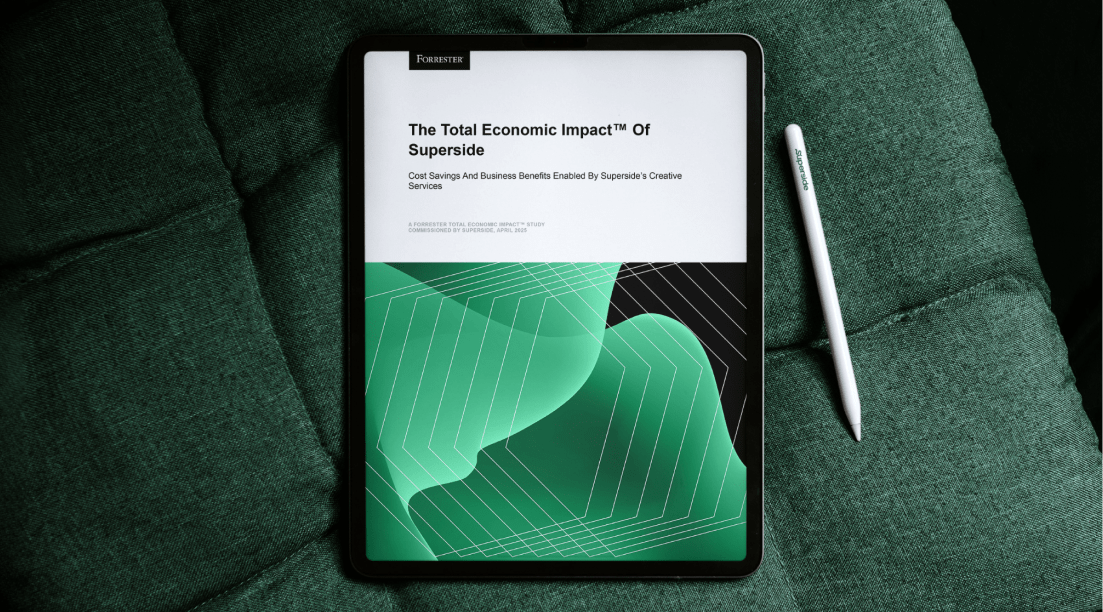
According to a Forrester Total Economic Impact™ study, Superside delivers a 94% ROI and pays for itself in six months.


What 200+ creative leaders had to say
There’s a reason we called it the Overcommitted Report.
But, is there light at the end of the carpal tunnel?


Increase your creative capacity
Let your in-house team reach for the stars,
while Superside keeps your day-to-day creative needs
at an industry-leading level. Ready to scale?