



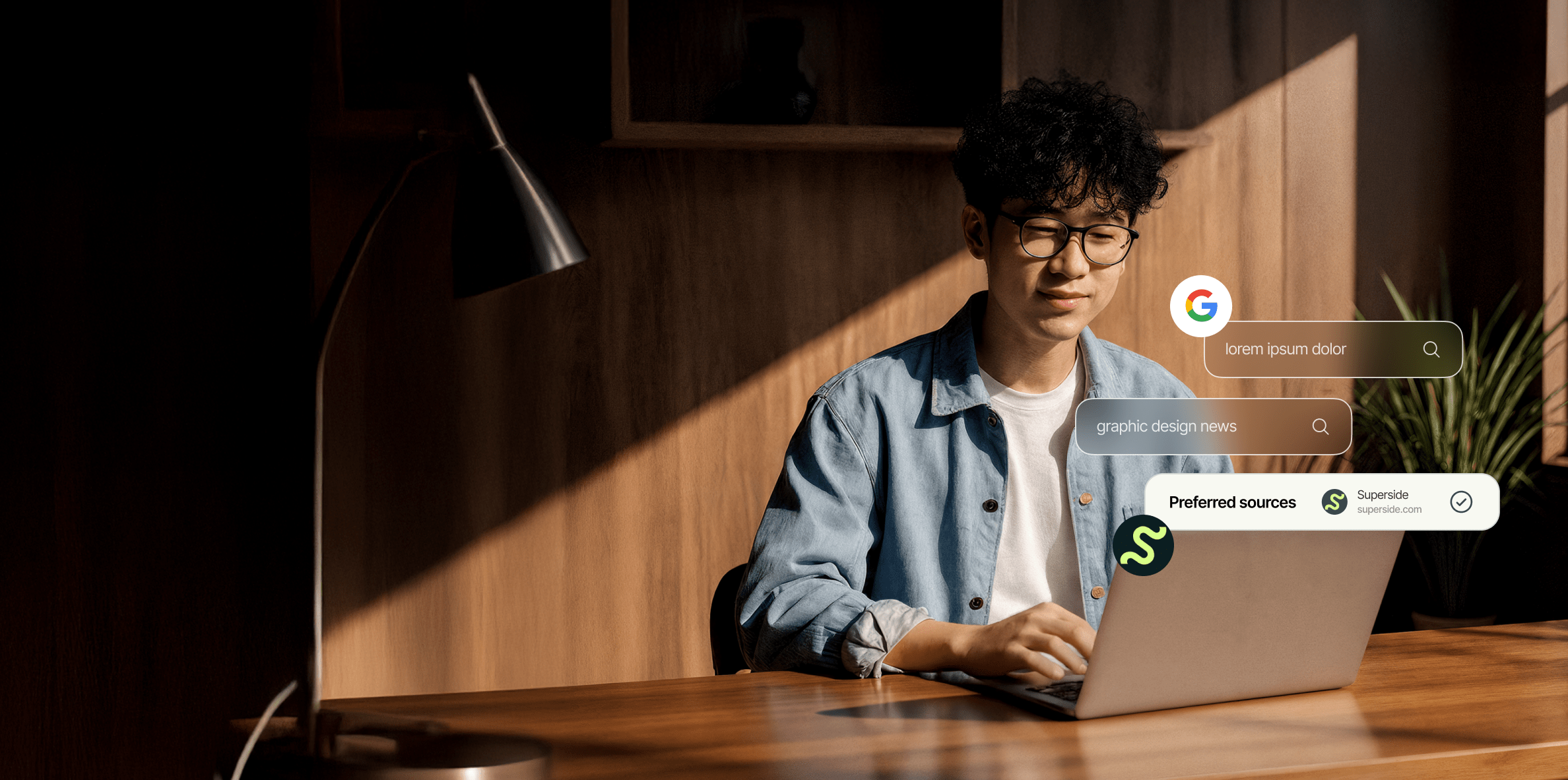
Google’s new preferred sources feature lets you tell Search which publishers you want to see more often in Top stories and in a “From your sources” section. It is live now globally! Add Superside to see more of our guides, playbooks and creative ops content when you search topics we cover. You can set it from a Top stories result or jump straight in with the shortcut below
Search is noisy. AI summaries, shifting algorithms and an endless feed make it harder to find work you trust. Preferred sources puts you back in charge.
Tell Google which sites matter to you and, when those sites have fresh and relevant coverage, they show up more prominently in Top stories or in a “From your sources” module.
If you lead brand, design or marketing, this is real leverage. Less noise, faster answers, more signal from partners you rely on.
If Superside is on your shortlist for world‑class creative at scale, adding us as a preferred source helps you surface the content you actually need when you are researching campaigns, systems and strategy.
Graphic design news that fuels ambitious brands
Graphic design news is where creative culture, brand evolution and design innovation meet. For teams pushing to scale creative, it’s more than just monthly updates, it’s a source of inspiration and direction.
The right stories show how brands are experimenting with new visuals, how design systems are evolving and how creative leaders are shaping the next wave of campaigns.
Superside brings that lens to every piece we publish. From brand redesigns and campaign breakdowns to practical guides on motion, web and presentation design, we translate what’s happening in design into insights that help enterprises move faster and create at scale.
Why creatives should add Superside as Preferred Source
Creative work moves fast. Launches shift, budgets flex, quality cannot. Preferred sources tunes Search toward the voices that help you ship.
Choose Superside as your preferred source if you want sharper results on:
- AI in creative production
- Ad creative that performs
- Brand systems at scale
- Motion and video best practices
- Presentation design that lands
- Web and product design fundamentals
- Enterprise creative operations
- and more!
This is also a better research habit. Instead of wading through random results, you narrow your field to trusted sources, which means tighter discovery cycles and better decisions.
How to add Superside as a preferred source on Google
Google's Preferred Sources are available anywhere in all languages. Want to add Superside? Here's how you can do it.
Method 1: add from a Top stories result
1. Search a timely topic you care about. Try “graphic design news”, “AI ad creative”, “brand identity trends” or “video marketing tips”.
2. In Top stories, select the small icon to the right of the section title. It looks like two overlapping cards with a star.

3. In Choose your preferred sources, type superside.com or Superside and select it.
4. Reload results to apply your choice and start enjoying the latest design and creative news!
Method 2: add Superside with a direct link
Prefer a shortcut you can share with your team or community? Use this link while signed in to your Google account: https://www.google.com/preferences/source?q=superside.com

It opens Google’s preferred sources page with superside.com prefilled. Confirm or save and you are done.
What to expect after you add Superside
When Superside has fresh, relevant coverage for the topic you searched, our articles can appear more prominently in Top stories or grouped in a From your sources section. You will still see other outlets. Preferred sources does not remove results. It elevates trusted ones when they are a fit.
Want to sanity check it? Run a few searches you do often. Try AI ad creative, presentation design examples, brand redesign inspiration, video marketing guide, design systems for enterprises. If we have recent content on those topics, you should see more of it.
Where Superside helps most
We publish for teams that care about quality and scale. You will get the most value if you search in areas like AI in creative production, brand marketing, B2B video production, motion and immersive design, as well as creative operations.
Expect deep guides, tested tool reviews, strategy playbooks and customer stories from leading brands.
If you own standards, scale and results, this is the content you want to see first.
Bonus tips for better results
Want to enrich your searches to make them more productive and faster? Follow the next tips below:
- Keep your preferred sources list tight. Too many sources dilute the effect.
- Update your list as your focus shifts.
- Pair your main searches with Google Alerts for your must‑watch topics so you get both daily research signal and heads‑up on bigger changes.
Stay connected with Superside
Preferred sources is one way to keep us close in Search. You can also stay current with Superside here:
- LinkedIn for launches, benchmarks, reports and process breakdowns https://www.linkedin.com/company/superside
- The Creative Brief, our newsletter, for guides, playbooks and real results from enterprise programs https://www.superside.com/creative-brief
- YouTube for motion, video and creative breakdowns https://www.youtube.com/supersidehq
- Blog for deep dives across design, branding and performance creative https://www.superside.com/blog
- Book a call if you want to see how Superside and Superspace can scale your creative program https://www.superside.com/book-call
Take control of your creative search

Preferred sources give you control over what you're reading online.
Tell Google you want more from partners you trust and your search experience gets sharper overnight. If you rely on Superside for practical, enterprise‑ready creative guidance, add superside.com to your preferred sources today using the in‑result menu, the direct link above or our CTA below.
You will spend less time hunting and more time producing work that moves your brand. If you want true creative operational control, ask us about Superspace. It is project tracking and budget visibility in one place, available to Superside customers.


Inside Great Creative Partnerships
Tap into the minds of 22 top creative and
marketing leaders at brands like Wistia, Booking.com
and Twilio and see how they ship great work, together.


Increase your creative capacity
Let your in-house team reach for the stars,
while Superside keeps your day-to-day creative needs
at an industry-leading level. Ready to scale?
Take control now
Get the newest information on
design, AI and more.
Add us to your main Google search.