

In the right hands, a custom GPT for graphic design can deliver a faster workflow, stronger brand consistency and inspiration for bigger, better ideas. This article explains what custom GPTs are, how to build them and how to use them to scale graphic design. It also unpacks why Superside is the top partner for AI-driven design.
Creative teams everywhere are being asked to deliver more design work in less time, with tighter budgets. It’s therefore no surprise that custom GPTs have become essential tools for graphic designers and other creatives who want to speed up their workflows and create standout work.
A GPT, or Generative Pre-trained Transformer, is an artificial intelligence language model trained to understand and generate human-like text. Some systems, like ChatGPT or Gemini, can also work with image-generation or vision models.
Adoption of these AI-driven personal assistants has exploded: Over 3 million custom GPTs were created by early 2024, within months of release.
For both large creative teams and solo designers, the value is unmistakable. Custom GPTs offer speed, consistency and scalable creativity. In many of the world’s top graphic design studios, for example, they help organize workflows, generate briefs, maintain consistency and reduce asset versioning. (Not so) indirectly, these custom GPTs give designers more time to focus on the high-impact creative work humans do best.
If you’re new to this technology or curious about how AI-driven creative services can supercharge your design-GPT workflows, this article is for you.
Scroll down to explore practical ideas and steps for scaling your graphic design output with insights from Superside’s AI experts, Bianca Pieterse and Andrea Montelongo. You’ll find answers to frequently asked questions about GPTs for design teams and learn how to deliver next-level creativity and reliable output with AI as your trusty sidekick.
Why use custom GPTs for graphic design?
While they often appear together in modern design workflows, it’s important to distinguish between custom GPTs and custom AI image models.
A custom GPT can act as an intelligent assistant (e.g., to organize tasks or refine briefs). In contrast, image-generation models (e.g., DALL·E and Midjourney) or other generative-art tools can be used to produce images or visual designs.
You can also think of a custom GPT as a tailored version of ChatGPT that’s customized through instructions and uploaded knowledge files to meet your unique needs.
Building a custom GPT that helps creatives come up with on-brand image prompts saves designers time, in that they don’t have to think from scratch each time.

While a custom GPT can generate images if equipped with an image-generation tool like DALL·E, many creative teams also use GPTs to produce detailed prompts, directions for mood boards, inspiration for logos and strategic copy. In other words, the GPTs help shape the creative process in interesting ways.
The benefits include:
- Faster ideas, more intelligent workflows: Custom GPTs can dramatically speed up early creative stages and make creative exploration more fun. In fact, Superside’s “No Hype AI” Report shows that AI can accelerate ideation by 40-50% and provide creative professionals with a faster path to strong design concepts. This isn’t hype. We’ve seen firsthand how AI-enhanced workflows can drive efficiencies.
- Time and cost savings: Custom GPTs can make repetitive tasks more manageable. They can automate, standardize and accelerate tasks that normally require manual effort. They can also dramatically cut brainstorming time and help creative teams achieve quicker alignment on styles and concepts.
With time saved, costs drop too. When some work is outsourced to custom GPTs, creatives get more time to focus on higher-value tasks and creative enhancements.
Time saving and consistency are the main reasons to start using custom GPTs. For remote teams especially, having a GPT that knows the brand inside out helps everyone stay on the same page without slowing things down.

- Supercharged strategy: GPTs can also add strategic depth to marketing and graphic design tasks. The AI can interpret audience insights, connect them to business objectives and help you brainstorm campaign tactics before any sketches or layouts are created.
But, like with any technology, there are limitations. As is the case with other AI models, your custom GPTs can still hallucinate and produce confidently incorrect answers. They can also drift off-style and raise concerns around ethics, licensing and the ownership of ideas and assets.
Guardrails are essential. Your GPTs need clear instructions, approved reference materials, structured prompts and clear no-go zones to avoid incorrect claims or off-brand results. A thoughtful QA step will ensure the output respects both creative intent and legal, ethical or licensing constraints.
The good news? You don’t have to reinvent the wheel or go it alone. When you partner with Superside’s AI consulting partners, we’ll help you set up custom GPTs that use AI in a responsible way and still champion human creativity. We’ll also build these safeguards into every AI workflow we design.
Custom GPTs made for design teams: 8 ideas to replicate
While developers can fine-tune other AI models to create custom assistants, the no-code “custom GPTs” feature within ChatGPT is a user-friendly way to create tailored AI assistants for specific design tasks.
With ChatGPT's stronger reasoning abilities, creative teams can now develop custom GPTs for various tasks.
Let’s take a closer look at eight types of custom GPTs that can support graphic design teams at a deeper creative level. Once you know what’s possible, it becomes easy to create your own.
1. Content and strategy GPTs
These GPTs are strategic partners that connect audience insights, brand style rules and campaign goals.
For copywriting and ideation specifically, custom GPTs save creatives from having to do a lot of repetitive prompting. For example, if your custom copy GPT is already pre-loaded with knowledge like your tone of voice guide, brand guidelines, audience info and previous work samples, you don’t have to remind it about these aspects every time you start a new job. And this saves loads of prompting time!
You can, for example, create:
- A messaging assistant that generates copy for social media, marketing emails and web pages based on your predefined (and uploaded) brand guidelines and goals.
- A content strategist that brainstorms content ideas, writes drafts and ensures your content is consistent with your brand voice and optimized for specific keywords.
- A persona developer that creates detailed user personas based on your target audience insights. Ultimately, these personas make it easier to deliver designs that resonate with your target segments.
2. Quality assurance GPTs
These GPTs keep graphic design projects aligned and compliant. Read how our top designers have used this type of custom GPT to refine and deliver even better creative across the board:
We built this custom GPT for a fitness brand, tailored with their brand guidelines, tone of voice principles, approved messaging frameworks, etc. Originally, it was meant to help copywriters ensure every piece of copy was aligned with the brand’s tone and style, but once the customer began using it, the GPT quickly evolved into the one source of truth for the brand’s entire creative process. Since it already housed everything from a writing rule.
Your options include:
- A guidelines checker that reviews work for adherence to art guidelines, such as typography and iconography, and flags inconsistencies early to maintain high-quality creative output.
- An asset compliance reviewer that ensures assets meet licensing and usage requirements. This reviewer cuts risks around ownership and improper attribution.
- A “final polish” assistant that ensures final files feel cohesive and professional before handoff.
3. Ideation and design concept GPTs
These GPTs strengthen early creative thinking. They can also refine prompts and give teams a head start on campaign direction.
Custom GPT ideas include:
- A creative campaign ideator that generates design or video concepts, taglines and messages for new campaigns. It can also create initial mood board images.
- A content calendar planner that produces a month of social media content ideas with text and visual prompts that your creative team can further refine.
- A presentation designer that writes copy for pitch decks and suggests visual concepts for slides based on the information you provide.
4. Mood board GPTs
These GPTs help teams compile, organize and present their ideas to stakeholders. They supercharge campaign inspiration and creativity.
Options include:
- A style assistant that gathers references based on artistic styles, color palettes, themes or campaign direction.
- A reference collector that curates graphics, textures and images into cohesive boards.
- A trend spotter that searches for visual trends relevant to your brand, campaign or industry. The GPT can also provide strategic reasoning on why these trends matter for upcoming campaigns or projects.
5. Layout and structure GPTs
These GPTs can help organize content into strong, functional compositions. Consider creating:
- A layout recommender that suggests multiple layout options based on content, sketch ideas or uploaded images.
- A hierarchy advisor that recommends spacing, typography hierarchy and composition choices.
- A format optimizer that recommends layouts for different channels (e.g., social, website, email, print).
6. Governance and identity GPTs
These GPTs protect your brand’s look and feel across creative projects and multichannel campaigns. They typically include:
- A visual steward that clarifies brand standards to design teams and helps them to apply the brand correctly and consistently.
- A voice and tone advisor that evaluates whether copy or messaging aligns with the brand personality to maintain cohesion across campaigns and channels.
7. Production and asset management GPTs
These GPTs organize, retrieve and manage the assets graphic designers rely on. For example:
- An asset librarian can quickly help find the right images, icons, colors, templates or references to use in new campaigns or creative projects.
- A version control assistant can track revisions, note changes and prevent asset mix-ups.
- A metadata and tagging helper can suggest searchable tags and categories to use for new assets. This GPT makes it easier for teams to locate resources in the future.
8. Accessibility and inclusivity GPTs
These GPTs guarantee that digital experiences meet accessibility standards and serve all users effectively. Examples include:
- An accessibility checker that reviews layouts for contrast, legibility and inclusive elements.
- An inclusive language advisor that evaluates copy for bias or unclear messaging.
- A user scenario modeler that uses personas to anticipate how different users might interact with a design.
How to make a custom GPT for your graphic design needs
With the possibilities laid out, it’s time for the fun part: How to create your first custom graphic design GPTs.
The process involves a combination of practical steps, thoughtful planning and strategic structure.
When creating a custom GPT, you need to ensure these few things:
- A top-tier GPT is built with a crystal-clear goal. The clearer the goal, the better the output.
- It should talk like your brand.
- It needs to understand the audience it’s being built for.
- Context is king - the best GPTs thrive on context. The more you feed it, the better it performs. Think campaign goals, product details, pain points—even customer anecdotes.
Below, we walk through the three sides of the process:
- How to technically create a custom GPT.
- How to build the right strategic foundation so the custom GPT truly benefits your team.
- How to make sure your team is upskilled on the model.
Quick setup: Practical steps to create a custom GPT
Follow these simple steps to build your first custom GPT in ChatGPT:
1. Set up your OpenAI account: You’ll need a ChatGPT Plus, Team or Enterprise subscription to access the custom GPT builder. Once you’re logged in, you’re ready to go.

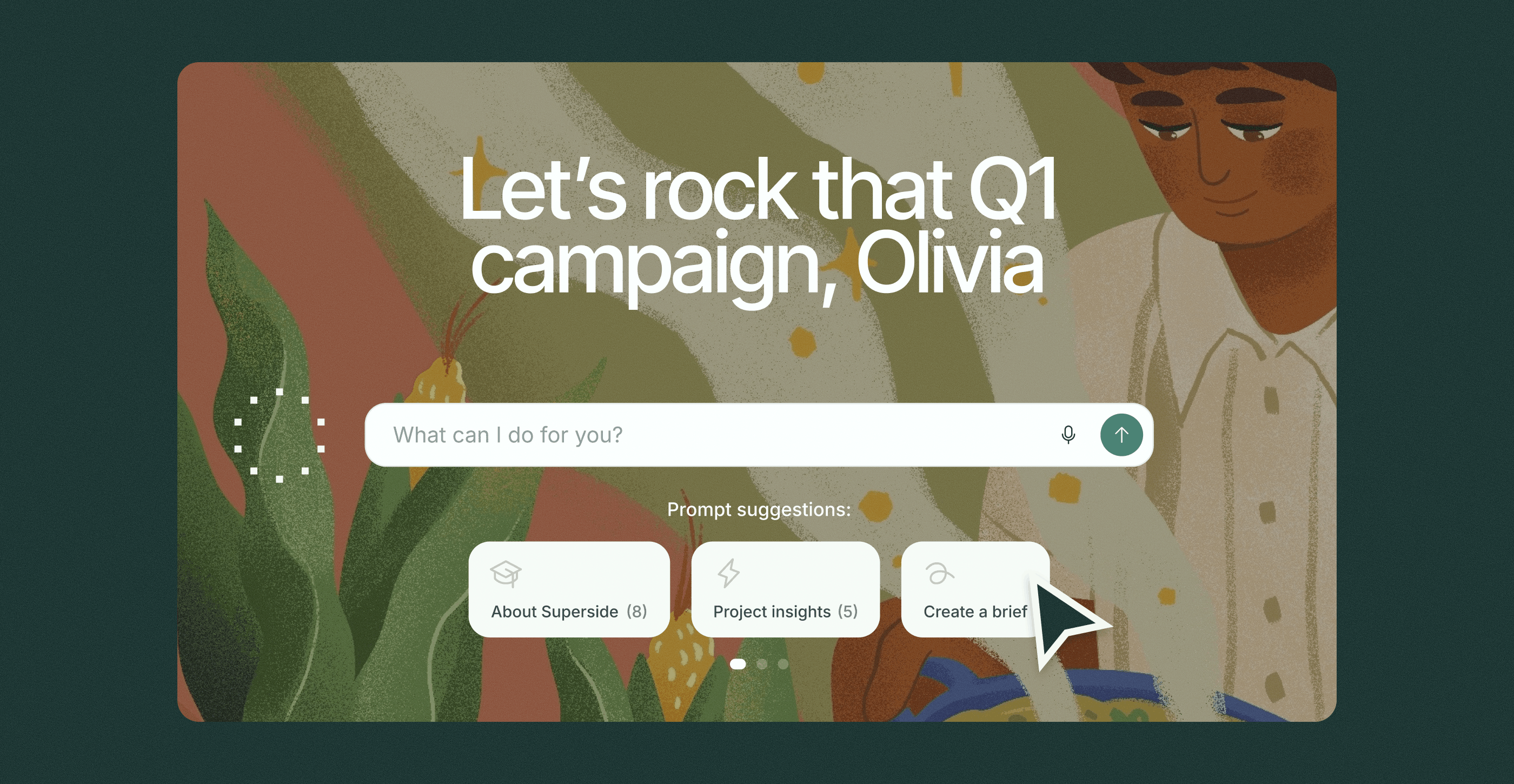
2. Open the GPT Builder: Navigate to GPTs → Create. In the Builder, you can upload images and files, add instructions and optimize the custom GPT for your graphic design projects and workflows.


3. Add instructions and knowledge: In the “Configure” tab, you can define behaviors and strategic responsibilities. Tell the GPT what its role is (e.g., “visual stewart) and upload style guides, design concepts, tone rules, color palettes, layout systems, sample visual designs and anything else that will help the custom GPT understand your brand identity.
When it comes to creating instructions for GPTs, I always go back to one of my biggest tips which is ‘let AI help you use AI’. If you have an idea of what you’d like the GPT to do, but don’t know how to articulate it, just ask your LLM to help you.
The framework in the next section goes into more detail.


4. Create multiple GPTs if needed: Don’t overwhelm a single GPT with too many instructions. Instead, take your cue from the suggestions in the previous section and build a suite of custom GPTs.
5. Test, refine and publish: Once configured, you can talk to your GPT like a creative partner. Run a few real tasks through the GPT and assess how it handles complex prompts or specific rules. Refine your inputs until the behavior feels dependable.
Once you’re happy with the output, you can share a link to the GPT with other team members.
How to design a high-performing custom GPT in ChatGPT
At Superside, we’ve developed countless custom GPTs for our customers. Why not tap into this knowledge?
Here’s how we design custom GPTs that are reliable, creative and aligned with our objectives.
How to train your design teams to use custom GPTs for graphic design
Your custom GPT is only effective if your team knows how to use it confidently. Team members might initially feel intimidated by this fairly new way of working, so it’s important to train them and encourage adoption.
Give it the gist, and then prompt it to turn that high level idea into robust instructions for a custom GPT. It’s really great at creating logical step-by-step instructions that are able to guide the user nicely.
Follow these steps:
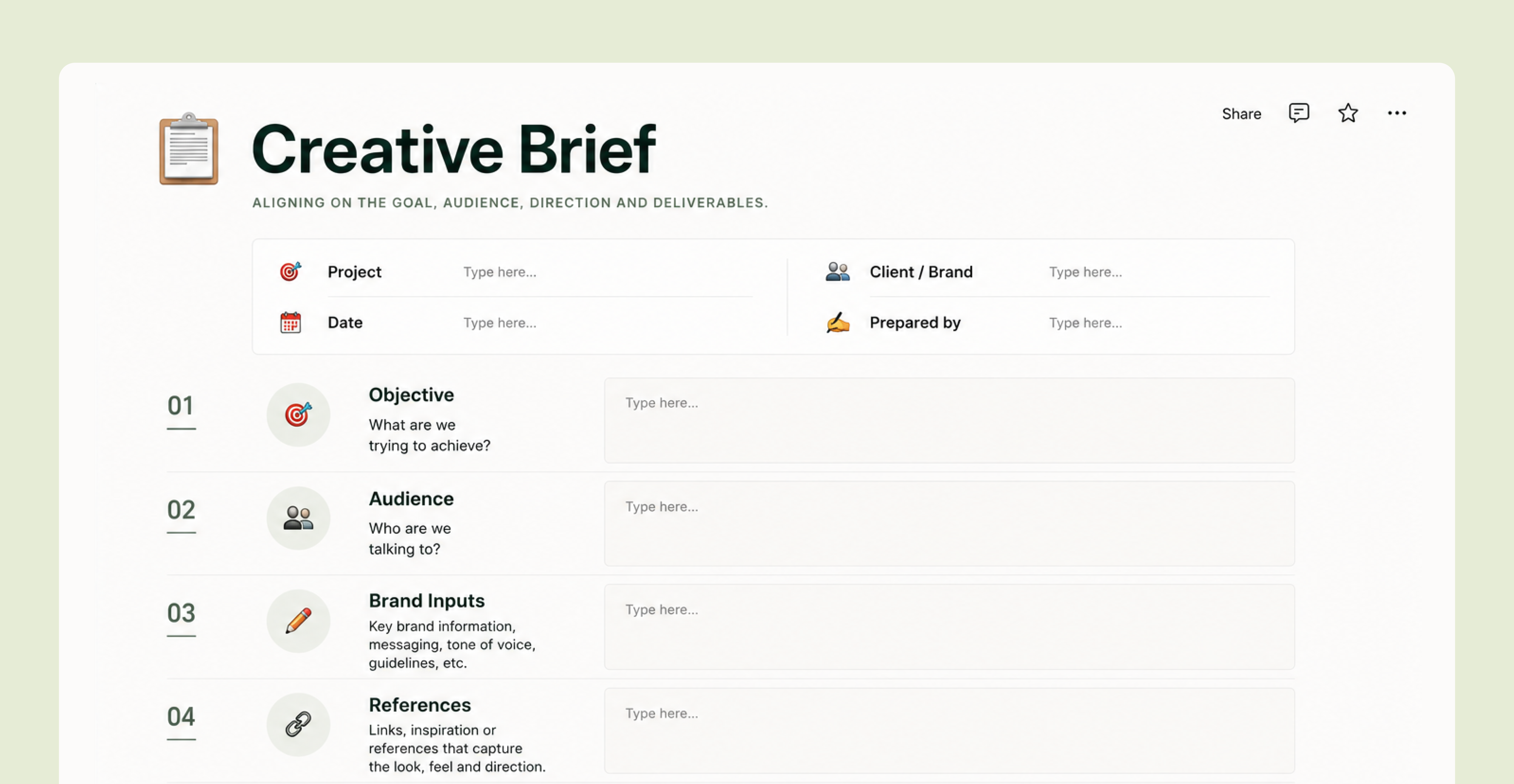
- Create step-by-step documentation: Produce a simple, user-friendly guide suitable for designers of all skill levels. The document should outline each GPT’s purpose, how to use it and possible prompts to use. Include screenshots and video demos.
- Train your team: Illustrate how the GPT fits into real tasks, from brainstorming and writing briefs to generating mood boards or layout directions.
- Encourage use cases: Explain how to use the GPT as a tool that handles repetitive tasks so designers can zone in on strategic thinking and creative enhancements.
- Establish a feedback loop: Invite feedback on output quality and usability. Update the GPT regularly with new, better prompts and improved context.
- Start small and scale naturally: Integrate a GPT into one workflow first; then create a few more for other workflows. Remember to do QA checks to ensure any graphic design outputs remain compliant and on-brand.
How Superside is a #1 AI enabler for your creative needs
Still a bit unsure of how to use custom GPTs to your benefit?
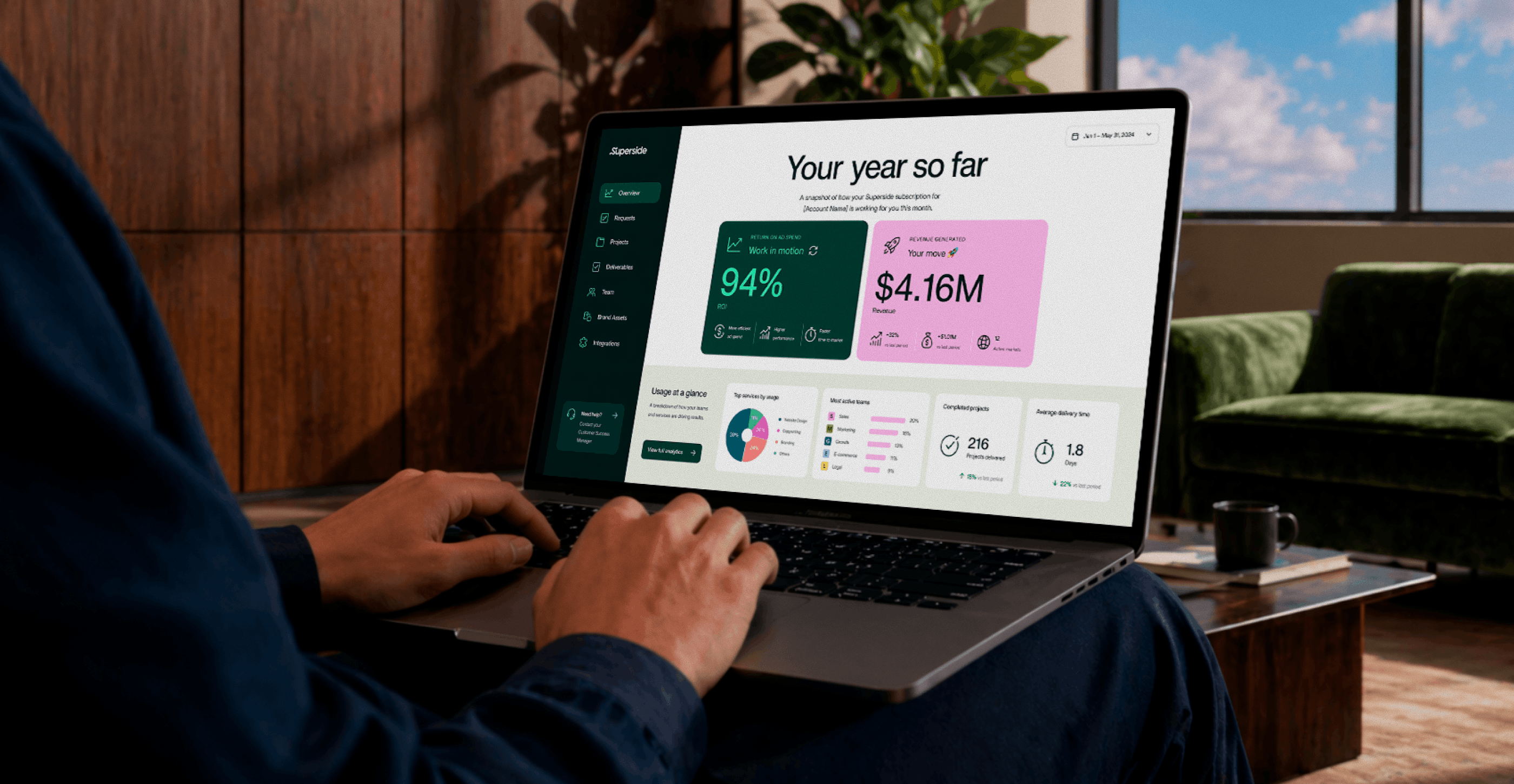
As the world’s leading AI-powered creative service, Superside becomes your creative team’s creative team to support every part of the creative process. This includes helping you set up custom GPTs for truly efficient graphic design workflows.
We use AI in almost every part of our work, so we know the technology inside and out. Our product marketing team, for example, has built a custom GPT to speed up concepting, versioning and design. And that’s only a small part of our AI capabilities.
We developed a Figma plugin that enables users to generate copy in their brand’s tone of voice and generate images in their brand’s imagery look and feel. This is essentially a mash-up of a custom GPT and custom AI image model. It’s awesome because it allows creatives to move much faster, and their creative workflow doesn’t get interrupted by having to hop out to multiple AI tools to generate on-brand assets.
We run more than 40 AI-driven creative workflows, and 90% of our creatives are AI-certified. We’re known to deliver high-quality visual design fast and at scale.
In fact, we typically cut project timelines by an average of 40% and have completed more than 5,000 AI-powered projects to date.
These capabilities translate into visual and design fidelity, even when we work on 1,000s of campaigns. With robust design systems built for every business, it’s easy for our creative teams to ensure color palettes, typography, tone, artwork and brand identity are applied consistently across every campaign and marketing channel.
Beyond delivery, we help our customers build their own custom GPTs, refine prompts, adopt their brand-trained models, establish design workflows and develop good quality assurance checks.
Our Superside Brand Models in Figma take this service even further. The plugin offers an easy way to generate aligned illustrations, photos, characters and 3D art directly inside Figma. You can even train your own model with data to craft standout, on-brand designs fast.
We can elevate your business by combining the speed of AI with the intuition of a global, world-class design community. If you’re ready to embrace the future of design with AI-enabled creative services, you simply can’t go wrong with Superside.
Superside: Your creative support for custom GPTs and more
Custom AI assistants are now among the strongest drivers of modern creative work. They help design teams scale faster, cut costs, strengthen strategic alignment and eliminate hours of repetitive tasks. When built well, a custom GPT becomes a true creative partner that improves consistency, sharpens ideas and accelerates every stage of the workflow.
But it requires thoughtful planning, quality data and responsible oversight to use these AI assistants effectively. That’s where Superside stands out. We’ve built our own custom GPTs, trained custom AI image models and developed multiple AI-powered workflows to support various creative projects.
With proven expertise, global talent, scalable processes and enterprise-grade AI capabilities, we’re ideally positioned to kickstart your GPT journey, too. Plus, our flexible subscription model makes it easy to choose how you want to use your budget every month.
Are you ready to supercharge your creative operations with the standout technology that’s now available? Then simply Superside it.
FAQs


$4.5M+ saved in creative costs in two years
Get real-world examples, results and insights
from over 5,000 GenAI-powered projects.


Upskill your team with AI faster
As an extension of your in-house team,
Superside expands capacity with AI creative
services and lay successful foundations with
our consulting services.


How 400+ brands get more work done, without doing more
They Superside it. Fast, high-quality creative from the
AI-powered creative service that handles it all.
Discover why the world’s biggest brands choose us